Scores #
If scorecards have been configured for your organisation, calls are automatically scored against your defined criteria. Scorecard results appear in two places within the conversation view:
Overview tab — a summary widget displays the overall score and key metrics at a glance, giving you a quick indication of call quality.
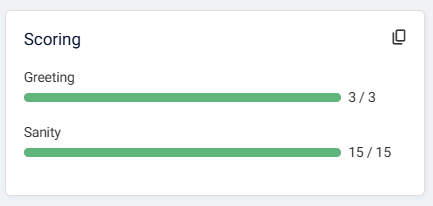
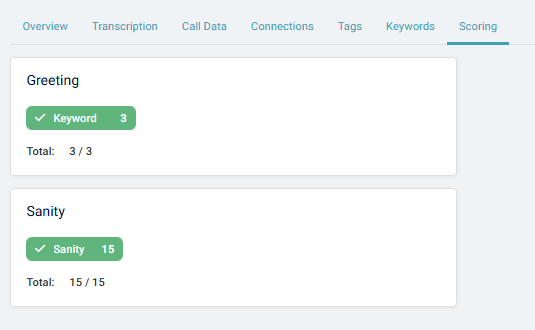
Scoring tab — a detailed breakdown shows how the call performed against each scorecard, with individual scores for every criterion. This allows you to review exactly which aspects of the call met expectations and where improvements may be needed.
For information on setting up and configuring scorecards, refer to the Scoring section.